Straps falling down doesn't automatically mean the whole bra is too big. Start with the easy fix — the straps themselves — before assuming you need a new size.
Quick check
Make sure it's positioned right and the straps are adjusted, then run the 5-point fit check. After that, compare current measurements to that brand's chart.
Common reasons straps slip
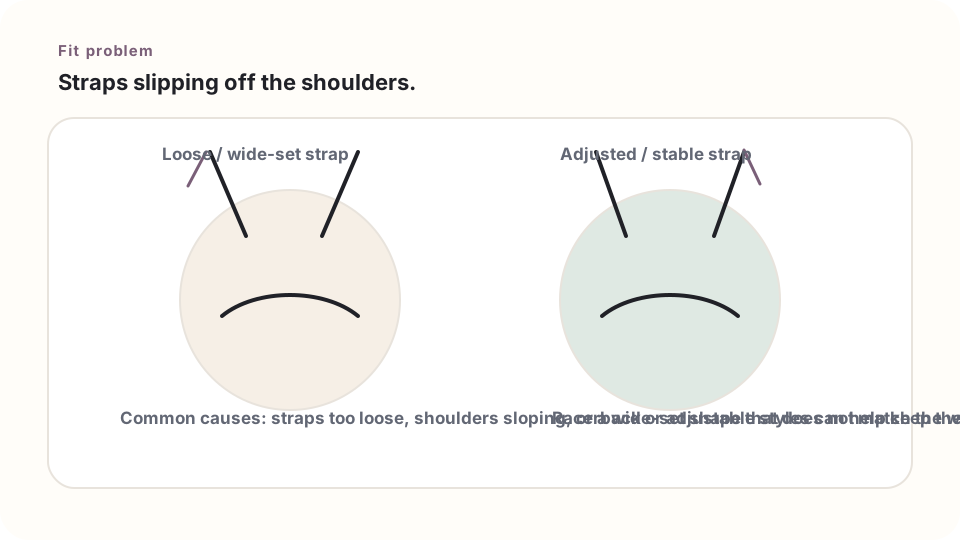
- The adjustable straps are set too long.
- The band or body of the bra is loose enough that the whole thing shifts around.
- The straps sit wide on the shoulders and don't match this particular shoulder shape.
- The elastic has stretched out with wear.
- A racerback or cross-back style might just fit this body better.
A sensible order to try things in
- Adjust each strap a little, evenly on both sides.
- Check that the band is staying level.
- Move around the way it'll actually be used — school, sports, whatever.
- Still falling? Compare the measurements to the brand's chart.
- If the size looks right, try a racerback or different strap placement instead.
Don't trade slipping for digging in
Tightening the straps until they leave painful marks just swaps one problem for another. You want them snug and stable, not painfully tight.
Strap placement matters
Some bras put straps closer to the outer shoulder; others use a racerback or cross-back design. If straps keep slipping in one style, a different strap layout might just work better — even in the exact same size.
Elastic wears out over time
If you keep having to tighten the straps more and more, the bra itself might be wearing out. Compare it with a newer one before assuming anything about body size changed.
Next step
Still stuck? Head back to Fit Problems or try the Size Assistant for what to do next.