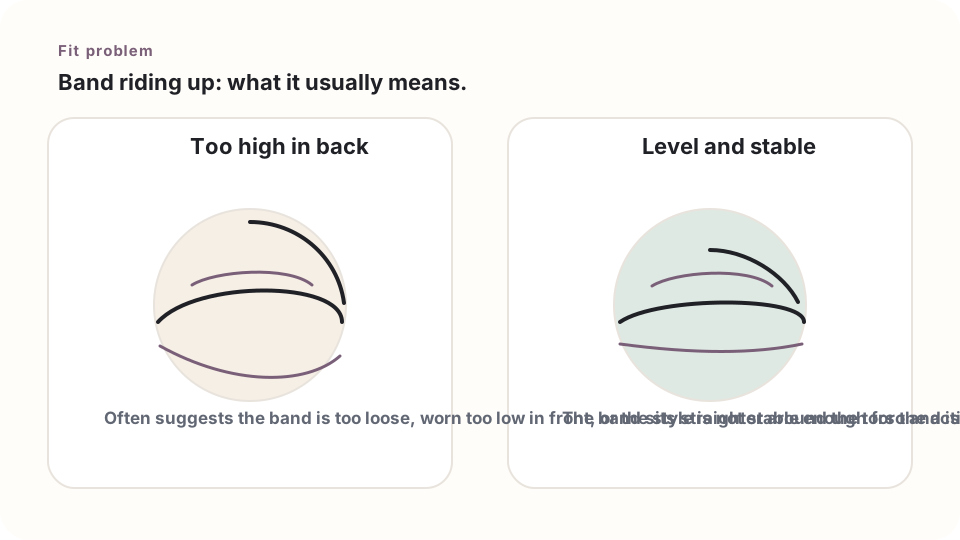
A band that climbs up the back or shifts when the arms move usually has a cause — it isn't random.
Quick check
Make sure it's positioned right and the straps are adjusted, then run the 5-point fit check. After that, compare current measurements to that brand's chart.
Common reasons a band rides up
- The band is too loose or stretched out: it can slide up instead of staying level.
- The straps are too tight: over-tightening can actually pull the whole bra upward.
- The style is very stretchy: a soft pullover style tends to move more than a firmer sports bra.
- The bra is worn out: wear and washing can weaken the elastic.
Try this test
Get the band level, adjust the straps comfortably, then raise both arms and reach forward. If the band climbs right away and doesn't settle back down, check the measurements against the brand's chart and try a more stable style.
What not to do
Don't just keep tightening the straps. Straps help hold things in place, but the band should be doing most of the actual anchoring — not the straps.
Compare it with an older bra
If the same style used to stay put but an older one now rides up, worn-out elastic is probably part of it. If a brand-new one also rides up, recheck the measurements and consider whether the cut just isn't right for this body.
For sports, test the real movement
Jog, jump, or move the way it'll actually be used. A band that stays level on a walk can still shift once things get more active.
Next step
Still stuck? Head back to Fit Problems or try the Size Assistant for what to do next.